


All subscribe-eligible products are in our
- Super simple. Visit the product page for the item you'd like to subscribe to.
-
-
-
-
Potting Soil For Plants and ..
Regular price From $14.99Regular priceUnit price per


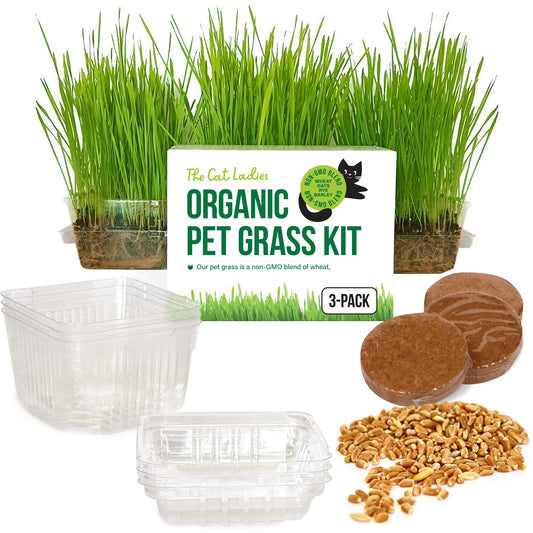


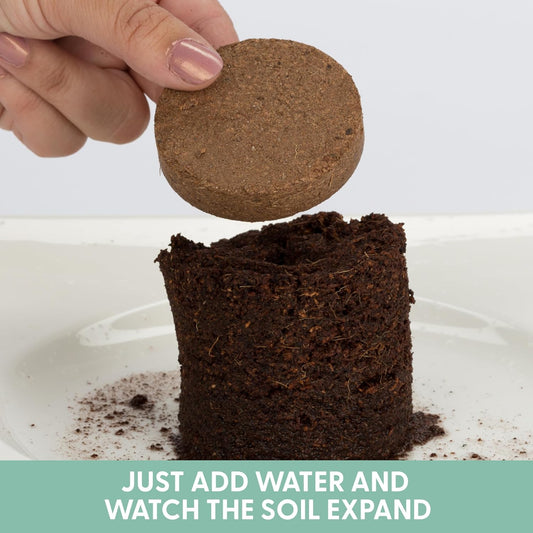
- On the product page, select the "Subscribe & Save" option to unlock your discount.


- Choose your preferred delivery frequency (every 1 or 2 months).
- Add to cart and check out as normal — you're done! Your first order ships right away.
- After that, the same product will be auto-ordered and auto-shipped on your chosen schedule. You can edit it at any time from your account.
Note: Subscription discounts apply to domestic orders only.
How to Manage Your Subscription
Need to make a change? Feel free to email the team at hello@thecatladies.com and we'll be happy to help — or manage everything yourself in just a few clicks below.
I. Log In to Your Account
- Click the User Icon in the top-right corner of thecatladies.com, or on mobile, tap the Hamburger Menu in the top left and find the Login at the bottom .
- Click SIGN IN
- Your account is identified by your unique email address.
- If you see "Invalid login credentials," no account exists under that email — you may have checked out as a guest. Use the same email to create a new account and your order history will link automatically.


- You will then be prompted to enter in you account details, followed by a verification prompt.


- From here you will will be able to see order history and Manage Subscriptions

II. Edit Delivery Date, Frequency & Quantity
Here you can edit a few things such as
- Click Edit (date, qty…) next to the product you want to update.
- Date: You cannot select today's date as orders process at 1 am. Choose the next day or later.
- Frequency: Every 1 or 2 months.
- Quantity / Size: Change product quantity on the same screen.
- Save: The save action may take a few seconds — please be patient.

III. Skip a Delivery
- Skipping is easy. Click Delivery Schedule to see your upcoming 6 months of deliveries and choose which ones to skip.
IV. Cancel & Reactivate Your Subscription
- Click Cancel Subscription on the product you want to cancel.
- If cancellation happens after that month's order has already shipped, the charge for that order will not be reversed.

- To re-activate, click Re-activate. The system defaults to one or two months from today — click Edit to change it to the next available day.
V. Add or Remove Products
- Click Add Product from within your subscription dashboard. Your full Cat Ladies product catalogue will appear for easy selection.
VI. Update Your Shipping Address
- Click the Edit button next to your address at the top of your Subscription section.
VII. Update Your Billing Information
- If your credit card has expired, your subscription may pause. Update your payment details in your account to keep things purring along.
- To switch from credit card to PayPal (or vice versa), please start a new subscription order — the system does not currently support in-portal payment method switching.
Enjoy your Cat Ladies subscription — and the savings that come with it!
The Cat Ladies reserves the right to modify or discontinue the Subscribe & Save programme at any time without notice. It is the customer's responsibility to check thecatladies.com for current terms and conditions. Thank you for being part of our community!
The Cat Ladies reserves the right to modify or discontinue the Subscribe & Save programme at any time without notice. It is the customer's responsibility to check thecatladies.com for current terms and conditions. Thank you for being part of our community!
